

Search, Local Visibility & Conversion
New Year's Eve Event Pages: How Queensland Venues Help Guests Find and Book the Night
Queensland venues and event organisers: build a New Year's Eve page that Google can read, shows the full price and gives searchers a clear way to book.
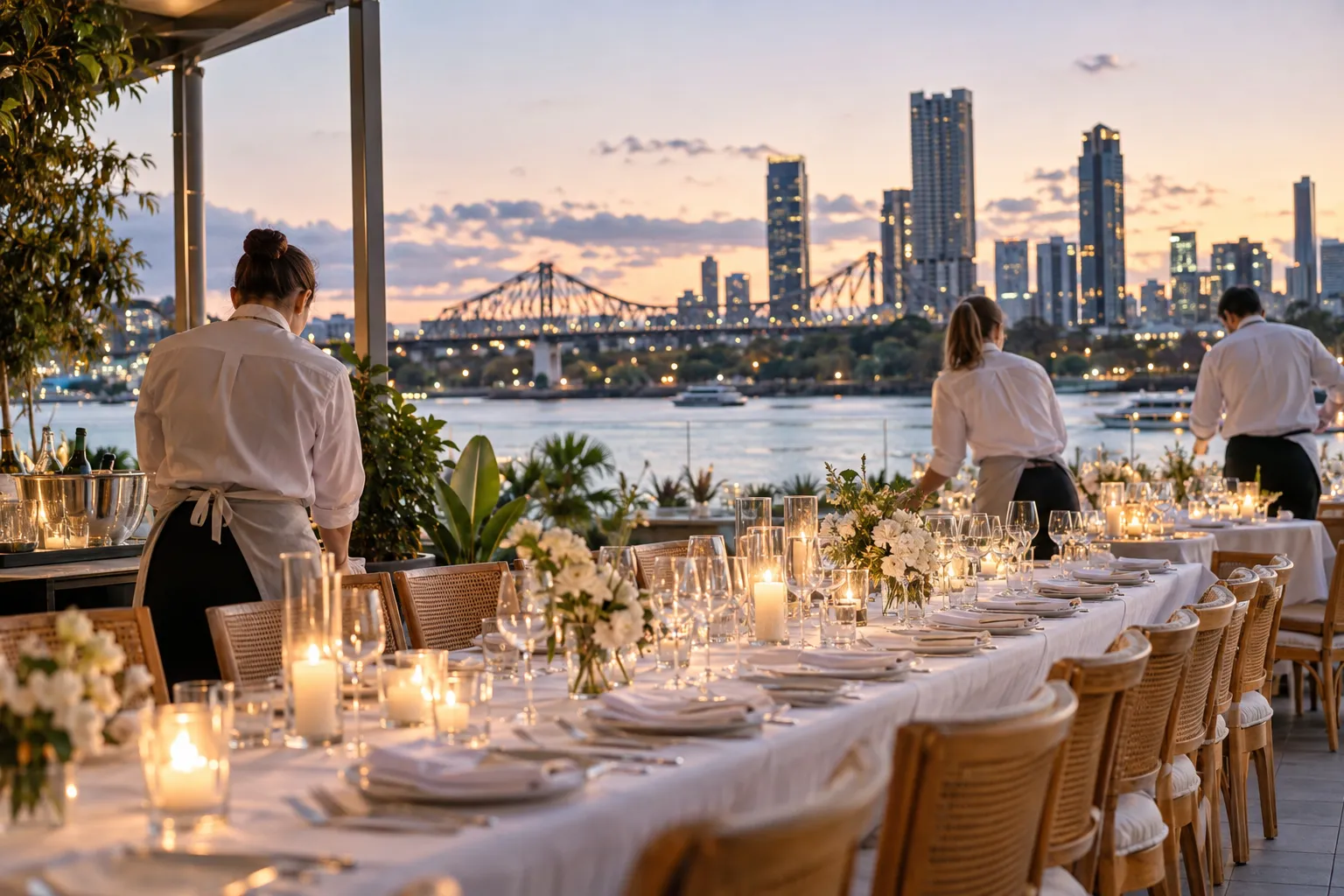
A New Year's Eve event page is one page on your own website that holds everything a guest needs to decide and pay: what the night is, when it starts and finishes, the total price and a booking button. For Queensland venues, the sooner it's live the better. Google needs time to find it, and every post and email you send between now and the night needs somewhere useful to land.
This is for restaurant and bar owners, hotel food and beverage managers and event organisers in Brisbane and across Queensland running a set-menu or ticketed night on Thursday 31 December 2026. The decision in front of you is whether that night lives on a page you control, or only inside a ticketing platform and a handful of social posts. The case below is for the page.
Give New Year's Eve its own URL
Google's event structured data documentation says its event experience only supports pages that focus on a single event. A What's On page listing trivia, Sunday sessions and New Year's Eve together won't qualify, and it makes the guest scroll to find the one thing they came for.
Build a dedicated page, such as yourvenue.com.au/new-years-eve. Leaving the year out of the address means you can update the same page every December and keep whatever links it has picked up. Put the year in the headline and page title instead.
If a ticketing platform suits your team, keep it for checkout. Your own page should still carry the details and send people there with one clear button. Platform listings are often created fresh each year, while a page on your own site can keep its links and history.
Answer the questions guests check before they pay
Many of the questions venues get by DM in December are ones the page could answer. Check it covers:
- start time, sitting times if you run two, and when the night ends
- what the ticket includes: courses, any drinks package, entertainment, and a fireworks view only if guests can genuinely see one from where they'll sit
- the total price per person, and the deposit if you take one
- age limits, ID rules and whether children are welcome at an early sitting
- dress code, dietary options and access, including stairs and lifts
- refund and transfer terms in plain words
- getting home: the nearest taxi rank, a rideshare pick-up point and parking
Google's guide to showcasing events asks for the same thing from the search side: use the description to explain the event in detail instead of repeating the title, date and location.
Put the full price where people see it first
The ACCC's component pricing guidance says that if you promote part of a price, you must also show the total price as a single figure, at least as prominently as the part price. Its worked example is a ticket with a booking fee added.
For an illustrative example, a page that says "$189 per person" shouldn't turn into a larger figure at checkout once a platform's booking fee appears. If the platform adds a fee you can't switch off, show the all-in figure on your page and in your posts. If you take a deposit, show the deposit and the full price together so nobody mistakes one for the other.
Add event markup so Google can read the details
Event structured data is code on the page that tells Google the event's name, date, location and ticket details in a format it can process. Google documents every property, and a few catch venues out.
The name field is the event's title. Google says plainly not to put the name of the location there, so "New Year's Eve Dinner and DJ" belongs in that field and your venue name belongs in location.
The eventStatus field tells Google whether the event is going ahead as scheduled or has been cancelled, and there's a separate previousStartDate for a rescheduled event. Ticket availability can be marked as sold out.
If your site runs on WordPress or a similar system, Google suggests checking for a plugin that adds the markup for you. Run the page through the Rich Results Test before you announce it, then use the Performance report in Search Console to see how your event listing is being viewed and clicked. Correct markup makes the page eligible for Google's event results; Google still decides whether to show it.
Post the night on your Google Business Profile as an Event
Your Business Profile appears when someone searches your venue by name, so the night should sit there too. Google's help page on creating Business Profile posts lists Event as its own post type, with a title, start and end dates and times, and room for a description, photo, video and action button. If you skip the times, Google shows the event as lasting 24 hours on those dates, which is unhelpful for a night that starts at 6pm.
The same page says businesses in regulated industries can use posts but shouldn't include content about those products. For a licensed venue, the practical approach is to headline the dinner and the setting, and keep drinks package detail on your own page. Point the action button at your New Year's Eve page rather than your homepage. If your profile basics need work first, start with our guide to local SEO for restaurants.
Check your liquor hours before you print a finish time
Business Queensland's page on New Year's Eve trading hours says all Queensland liquor licensees can sell or supply liquor until 2am on New Year's Day, even if their approved hours usually end earlier, and without applying. Service stops at 2am and patrons must finish their drinks by 2.30am, unless the premises is approved to trade later.
If you want to keep trading past 2am, you need an extended hours permit, lodged with the Office of Liquor and Gaming Regulation at least 21 days before New Year's Eve, which the page gives as on or before 10 December. In 2026 that's Thursday 10 December, and the page recommends applying early. Don't advertise a 3am finish until that permit is approved. (Checked 1 November 2026; confirm the page again before you publish your times.)
Plan for a sell-out or a storm now
The day you sell out, update the page, the markup and your Business Profile post together. Keep a waitlist form on the page so late searchers can still leave their details for a cancelled table or next year.
An outdoor or rooftop night in a Queensland summer needs a written wet-weather plan before tickets go on sale, and the page should say what happens if it rains. The ACCC's guidance on buying tickets to events says that where an organiser cancels or makes a major change, consumers are entitled to a refund, and they may also be entitled to one if the event can't be delivered safely. Read it before you write your terms, then put those terms on the page in plain words, ahead of checkout.
Send every channel to the same page
Once live, the page is the destination for everything else: your Instagram link in bio, your email list, any creator posts and the Business Profile button. Add tracking tags to each link so you can see which channel produced bookings. If sales are slow, our guide to event marketing for restaurants is worth reading before you reach for a discount.
An illustrative timeline for a Thursday 31 December 2026 night:
- as soon as you can: page live, markup tested, booking flow checked on a phone
- within a week of the page going live: Business Profile event post up and the first email to your list
- by Thursday 10 December: extended hours permit lodged if you want to trade past 2am
- Christmas week: a reminder post naming the sittings that still have room
- the day you sell out: page, markup and post updated together
A New Year's Eve page that answers guests' questions with the real price on show gives every post and email a clear place to send people. Build it properly once and it becomes next year's starting point. Connect with Bridge PR for help planning the page, writing the copy and lining up your Google Business Profile, social posts, creator activity and email so they all point to the same place.